
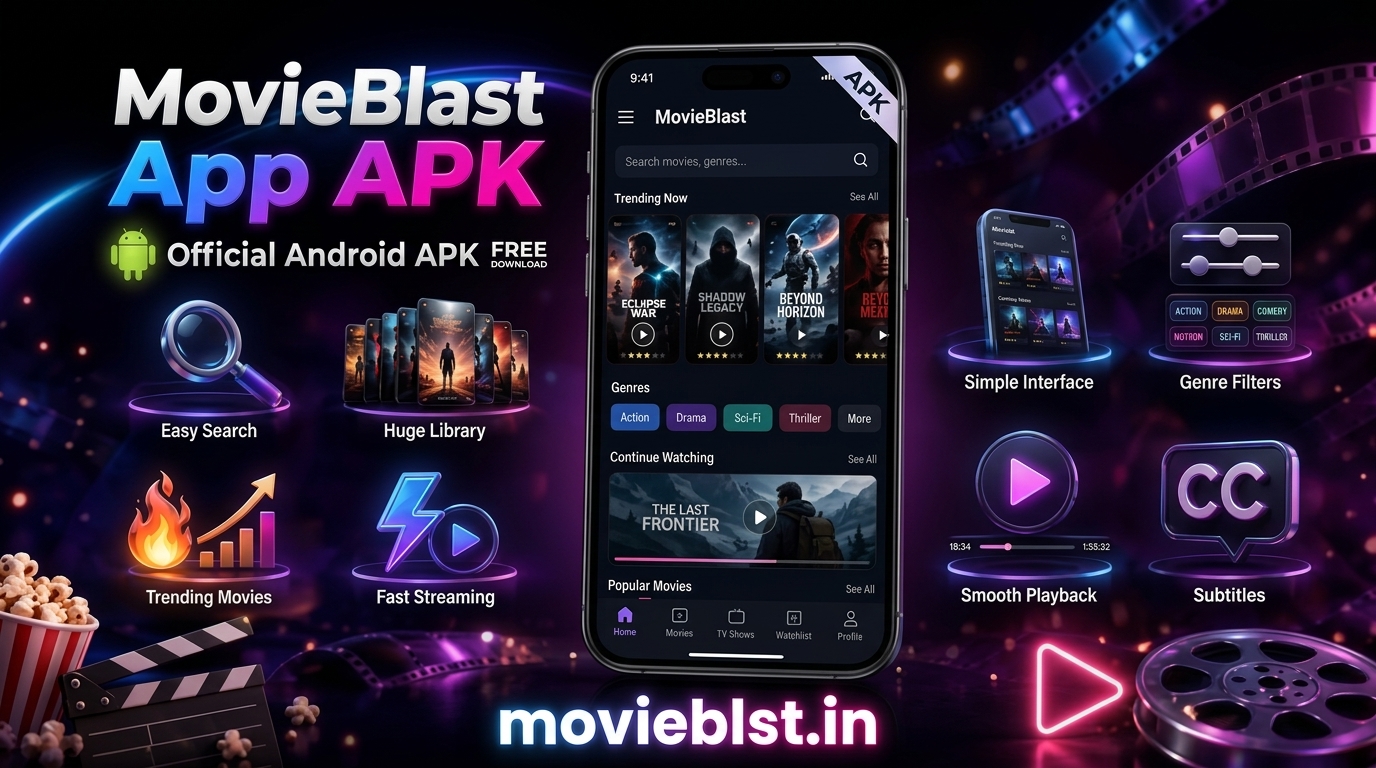
Movie Blast App Download
| App Name | Movie Blast APP |
| Version | 2.5 |
| Size | 81.2 MB |
| Last Updated | One Hour Ago |
| Category | Entertainment |
| System Requirements | Android 5.0 and up |
Movie Blast App Download
Movie Blast App Download is a search term used by people looking for information about a movie-related application and how to access it on their devices. Before downloading an app with this name, users should verify the publisher, check device compatibility, and make sure the download source is trustworthy.
This step-by-step guide explains how to look for a legitimate app listing, review installation requirements, and troubleshoot common problems. It also covers important safety precautions to consider before installing unfamiliar software.
What Is the Movie Blast App?
The Movie Blast name may be used in online searches for movie-related applications or entertainment services. However, similarly named apps and websites may be unrelated, so it is important to identify the exact product before downloading anything.
A reliable app listing should provide useful information about its developer, purpose, compatibility, permissions, and privacy practices. Users should also check whether the service is authorised to distribute the movies or programmes it offers.
Before proceeding, confirm these details:
- Developer information: Identify the company or individual responsible for the application.
- App description: Read the published information about its purpose and available features.
- Version details: Check the current version and release information where available.
- Device compatibility: Review the minimum operating-system requirements.
- Privacy policy: Understand what information the app may collect and how it is handled.
These checks help you determine whether the application matches what you are looking for.
Things to Check Before Downloading
Before starting the Movie Blast App Download process, make sure the application comes from a source you can verify. A download page appearing in search results does not guarantee that the file is genuine or safe.
Verify the Source
Start by checking Google Play or the verified website of the developer. Review the publisher’s identity and confirm that the app description matches the product you intend to install.
Be cautious of unfamiliar websites that use misleading download buttons, repeated redirects, or promises that are not supported by the publisher.
Check Device Requirements
Different applications require different Android versions, hardware specifications, and amounts of storage. Review the stated requirements before downloading so you can avoid compatibility problems.
Review Permissions
An application may request access to certain device functions. Consider whether each permission is necessary for the app’s stated purpose. Unexpected requests for sensitive information should be treated cautiously.
Confirm Availability
The application may not be available in every country or on every device. Check the official listing and supported-region information instead of assuming that a download link will work everywhere.
How to Download the Movie Blast App
The correct download method depends on whether a legitimate version is available and which devices it supports. Follow these general steps to find an appropriate source.
- Search for the exact app name. Look for the Movie Blast listing in an official app store or on the verified developer website.
- Check the publisher. Confirm the developer’s identity and review the app description.
- Review the requirements. Make sure your device meets the stated operating-system and storage requirements.
- Read the permissions and privacy details. Understand what access the application requests before installing it.
- Use the verified download option. Download the application only when the source and app identity can be confirmed.
- Follow the installation instructions. Complete the process provided by the official source.
- Open and review the app. Check the available menus, settings, and privacy options after installation.
If you cannot verify the publisher or the download source, do not proceed with the installation.
How to Install Movie Blast on Android
Android installation steps vary depending on the source of the application and the version of your operating system.
Installing Through Google Play
If a legitimate Google Play listing is available, this is generally the simplest installation method.
- Open the Google Play Store.
- Search for the exact application name.
- Verify the developer and app details.
- Review compatibility information and permissions.
- Tap Install if the listing is legitimate and suitable for your device.
- Open the application and follow any initial setup instructions.
Do not assume that every app with a similar name is the same product.
Installing Through an APK File
An APK is an Android installation file. If the developer provides a verified APK outside the Play Store, check its authenticity before opening it.
- Confirm that the file comes from a trustworthy source.
- Review the version and Android requirements.
- Scan the file with a reputable security tool.
- Check a publisher-provided signature or checksum when available.
- Read the Android installation warnings carefully.
Some devices require permission for a specific browser or file manager to install applications from outside approved stores. Grant such permission only when you understand the risks, and disable it again when it is no longer needed.
Avoid disabling essential security protections just to install an unfamiliar application.
How to Use the App After Installation
Once you have verified and installed the correct application, explore its available functions to understand how it works. The interface and features may differ depending on the specific product.
Explore the Main Menu
Start with the home screen and review the available menus. If the application includes categories, use them to understand how its content is organised.
Search for Available Content
If a search tool is provided, enter the name of a movie or programme. Check the title details and regional availability before selecting it.
Review Playback Settings
If video playback is supported, check the available audio, subtitle, and quality settings. These options can vary by title and service.
Check Privacy and Account Settings
Review account requirements and privacy options before sharing personal information. Avoid providing sensitive details to a service whose identity you cannot verify.
Device Compatibility
Before downloading, confirm whether the specific Movie Blast application supports your intended device.
Android Phones and Tablets
Check the minimum Android version, storage requirements, and any published hardware limitations. If an APK is offered, verify the file before installation.
Smart TVs and Android TV
An Android phone application does not automatically work on a Smart TV. Review the television’s app store and the developer’s compatibility information before attempting to install it.
Windows and Mac Computers
Some streaming services work through a web browser, while others offer dedicated desktop software. Do not assume that an Android APK can be installed directly on a computer.
iPhone and iPad
Check the Apple App Store for a legitimate listing and verify the developer’s details. Avoid unfamiliar installation profiles or methods that require bypassing normal security protections.
Is Movie Blast App Download Safe?
Safety depends on the actual application, its publisher, the source of the installation file, and the permissions it requests. The app name alone does not establish that a download is secure.
Follow these precautions:
- Prefer official app stores or verified developer websites.
- Keep your operating system and security software updated.
- Review permissions before granting access to sensitive information.
- Avoid modified APKs from unknown distributors.
- Do not provide payment information to an unverified service.
- Be cautious of suspicious pop-ups, redirects, and additional download prompts.
- Check whether the service is authorised to distribute its content in your region.
If a website does not clearly identify the publisher or asks you to disable important security features, leave the page and choose a more trustworthy option.
Common Download and Installation Problems
Even legitimate applications can encounter technical issues. These general troubleshooting steps may help.
The app is not available: Check whether the application is supported in your country or on your device. Confirm the publisher’s official information.
Installation fails: Review available storage, device compatibility, and the integrity of the installation file.
The app crashes: Restart your device and check whether a verified update is available. If the issue continues, consult the developer’s support information.
Videos keep buffering: If the service supports streaming, test your internet connection and reduce playback quality when that option is available.
Security warnings appear: Do not ignore warnings automatically. Verify the source and investigate the reason for the warning before proceeding.
The download page redirects repeatedly: Close the page and avoid clicking additional buttons. Look for a verified source instead.
Frequently Asked Questions
Is Movie Blast App Download available for free?
The cost cannot be confirmed from the name alone. Check the verified listing or provider’s terms to determine whether the application or its content requires payment.
Is Movie Blast available on Google Play?
Availability can change. Search Google Play directly and confirm the developer’s identity because similarly named applications may be unrelated.
Can I download Movie Blast on any Android phone?
No. Compatibility depends on the application’s requirements and your phone’s Android version, hardware, and available storage.
Is an APK download always unsafe?
No. APK is a standard Android application format. However, files from unverified sources may contain harmful or modified software, so source verification is important.
Can I use Movie Blast on a Smart TV?
Only if the specific application supports your television’s operating system or provides another documented viewing method. Confirm compatibility before installing it.
What should I do if I cannot find a verified download?
Do not install a file from an unknown source. Check the official app stores or consider a recognised entertainment service with clear publisher and licensing information.
Final Thoughts
Movie Blast App Download searches can lead to different websites and applications, so identifying the correct product is an important first step. Before downloading, check the publisher, verify the source, review compatibility, and understand the permissions being requested.
Using official or independently verified distribution channels can reduce installation risks and help you avoid misleading download pages. If the application cannot be verified, consider a recognised alternative rather than risking your device or personal information.
1 thought on “Movie Blast App Download A Step-by-Step Guide”